System Design for Beginners: 9 Powerful Concepts That Explain How Real-World Apps Work
Introduction: Why System Design Confuses Most Beginners
System Design for Beginners is often misunderstood as something only senior engineers or interview candidates need to worry about.
In reality, if you’ve ever decided where to store data, how users log in, or why an app feels slow, you’ve already touched system design — even if you didn’t call it that.
Most courses teach how to write code.
Very few explain how real-world applications actually work when thousands or millions of users use them at the same time.
This guide exists to fix that gap.
If you are:
-
a student learning software fundamentals
-
a developer moving beyond tutorials
-
someone from a non-CS background entering tech
this System Design for Beginners guide will help you think clearly, practically, and realistically.
What Is System Design for Beginners?
System design, in simple terms, is the process of deciding how different parts of a software application work together to solve a real problem.
Not just code — but:
-
where the code runs
-
how data is stored
-
how requests flow
-
what happens when something fails
Think of a restaurant:
-
customers place orders
-
kitchen prepares food
-
storage manages ingredients
-
staff handles peak hours
A small food stall works fine with one cook.
A busy restaurant needs systems, not just effort.
Software works the same way.
Why System Design Matters in Real-World Applications
Beginners often ask:
“Why can’t I just use a single server and a database?”
That approach works — until it doesn’t.
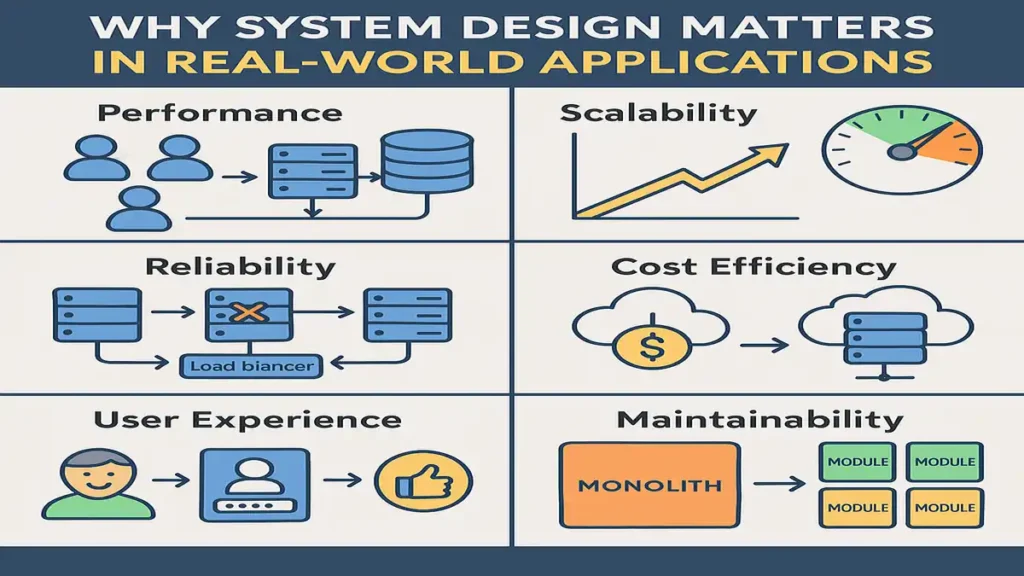
System design matters because of:
-
Performance – users leave slow apps
-
Scalability – growth breaks poorly designed systems
-
Reliability – failures are inevitable
-
Cost – bad design burns money
-
Maintainability – future changes become painful
Good system design doesn’t mean complex design.
It means appropriate design.
Core Components of System Design
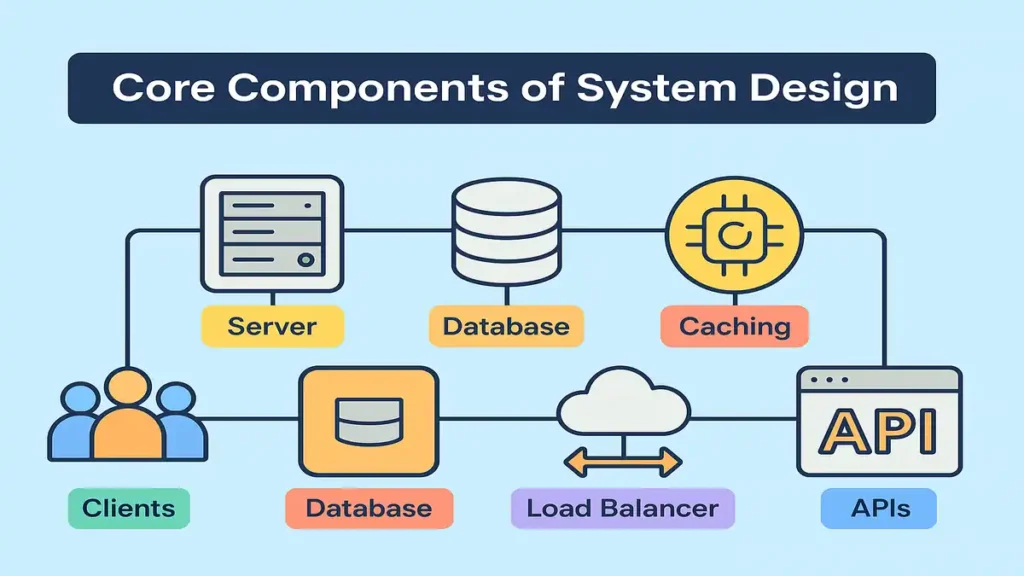
Every real application, no matter how big, is built from a few core building blocks.
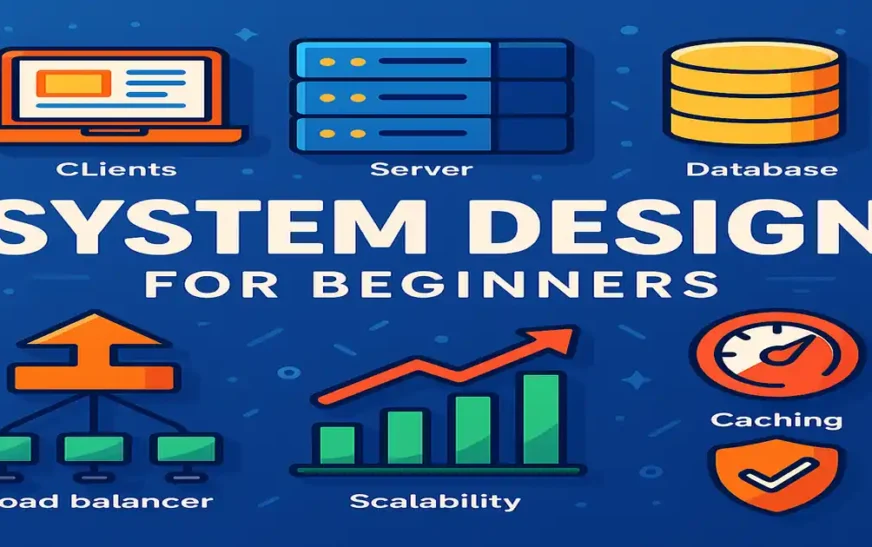
Clients in System Design (Web & Mobile)
Clients are the entry point of your system:
-
Web browsers
-
Mobile apps
-
Other services (APIs)
They don’t do heavy work.
They request, display, and interact.
Servers and Application Layer
Servers are where:
-
business logic runs
-
validation happens
-
decisions are made
Important beginner concept:
-
Stateless servers scale easily
-
Stateful servers don’t
That’s why modern systems prefer stateless APIs.
Databases in System Design
Databases store:
-
user data
-
transactions
-
logs
Choosing the wrong database causes:
-
slow queries
-
data inconsistency
-
scaling nightmares
We’ll go deeper later.
Caching for Performance
Caching exists because:
databases are slower than memory.
Common use cases:
-
frequently read data
-
session tokens
-
API responses
Redis and Memcached are common tools.
Load Balancers and Traffic Control
When traffic increases:
-
one server cannot handle everything
Load balancers:
-
distribute traffic
-
detect unhealthy servers
-
improve availability
This is how apps survive traffic spikes.
Scalability Explained for Beginners
Scalability means:
“Can my system handle more users without breaking?”
Two basic approaches:
Vertical Scaling
-
Bigger server
-
Simple
-
Limited
Horizontal Scaling
-
More servers
-
Needs load balancers
-
Scales better
Real companies always move toward horizontal scaling.
Databases in System Design for Beginners
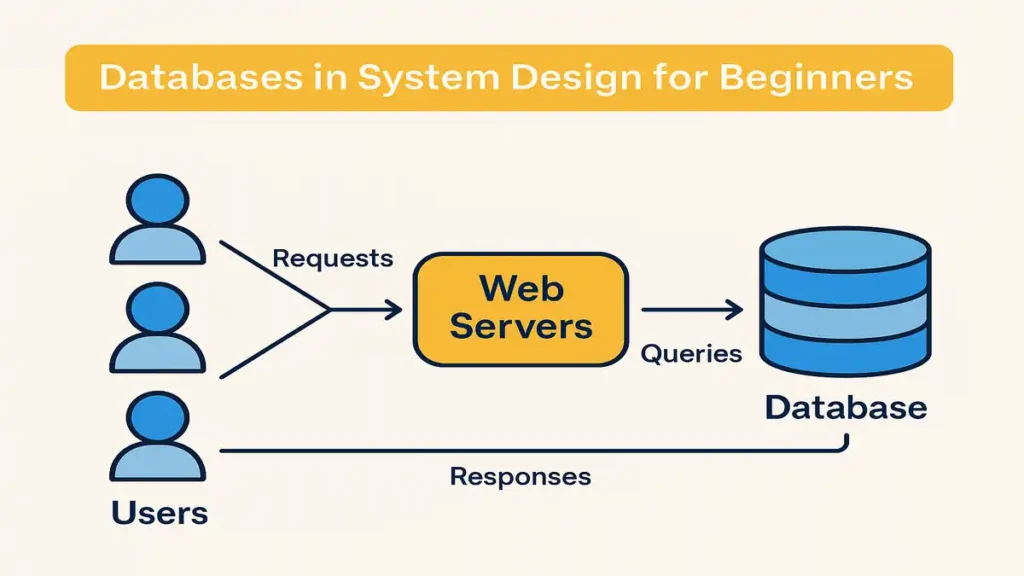
SQL Databases (When to Use Them)
SQL databases are good when:
-
data relationships matter
-
transactions must be consistent
Examples:
-
MySQL
-
PostgreSQL
They follow ACID properties, which protect data integrity.
NoSQL Databases (When SQL Fails)
NoSQL databases shine when:
-
scale is massive
-
schema changes frequently
-
speed matters more than strict consistency
Examples:
-
MongoDB
-
Cassandra
They trade strict consistency for availability.
Replication and Sharding (Simple Explanation)
-
Replication = copies of data for reading
-
Sharding = splitting data across servers
Both are used to scale databases safely.
APIs and Communication Between Services
APIs allow software to talk to software.
Basic REST flow:
-
Client sends request
-
Server processes
-
Response returns as JSON
Authentication methods:
-
API keys
-
tokens
-
OAuth
Most modern systems are API-first.
Reliability and Fault Tolerance in System Design

Failures are not rare.
They are guaranteed.
Good systems prepare for:
-
server crashes
-
network issues
-
database downtime
Common strategies:
-
redundancy
-
health checks
-
failover systems
-
monitoring & alerts
A system that expects failure survives longer.
Real-World System Design Examples
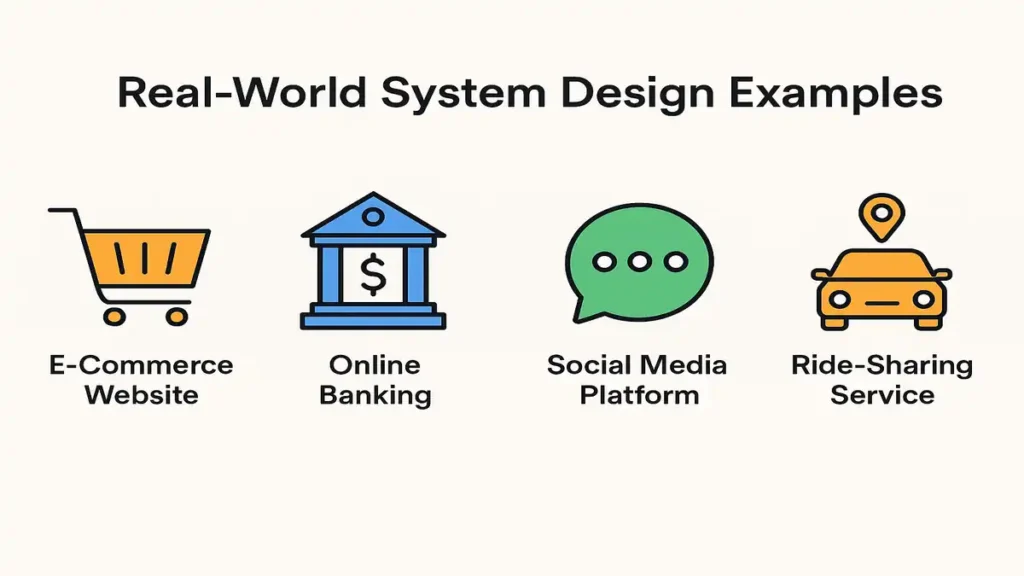
How WhatsApp Handles Messages
-
message sent → server
-
stored temporarily
-
delivered to receiver
-
confirmation sent
Key idea: event-based flow, not instant delivery.
How YouTube Streams Videos
-
upload stored
-
encoded into formats
-
delivered via CDN
CDNs reduce latency by serving content closer to users.
How Amazon Handles Orders
-
order service
-
payment service
-
inventory service
Each service is independent but connected.
Common System Design Mistakes Beginners Make
-
Overengineering too early
-
Using one database for everything
-
Ignoring failure scenarios
-
Designing for interviews, not reality
Simple systems that evolve beat complex systems that fail early.
System Design for Interviews vs Real World
Interview system design:
-
theoretical
-
time-limited
-
assumption-heavy
Real-world system design:
-
budget-driven
-
legacy-aware
-
failure-focused
Learn both — but don’t confuse them.
How to Learn System Design as a Beginner
Practical roadmap:
-
Understand fundamentals
-
Study real architectures
-
Build small projects
-
Read postmortems
-
Observe failures
Tools:
-
draw.io
-
cloud free tiers
-
monitoring dashboards
Conclusion: Think in Systems, Not Just Code
System Design for Beginners is not about memorizing architectures.
It’s about thinking clearly about trade-offs, failures, and growth.
Once you start seeing software as a system —
your code improves, your decisions mature, and your career grows.
🔹 FAQs – System Design for Beginners
1️⃣ What is system design for beginners?
System design for beginners means understanding how real-world software applications are structured, scaled, and kept reliable beyond just writing code.
2️⃣ Is system design only for senior software engineers?
No. System design is useful for beginners, students, and even non-CS professionals because it improves problem-solving and architectural thinking early.
3️⃣ Do I need data structures and algorithms before learning system design?
Basic DSA knowledge helps, but you don’t need to master DSA to start learning system design for beginners.
4️⃣ How is system design used in real-world applications?
In real-world applications, system design decides how servers, databases, APIs, caching, and load balancers work together to handle users and traffic.
5️⃣ What are the core components of system design?
The core components of system design include clients, servers, databases, caching layers, load balancers, and communication APIs.
6️⃣ Is system design required for software engineering interviews?
Yes. System design is commonly asked in mid-level and senior interviews, but learning it early helps beginners think more practically.
7️⃣ Can non-computer science students learn system design?
Yes. Many non-CS students successfully learn system design by focusing on concepts, real-world examples, and practical thinking rather than theory.
8️⃣ What is the difference between system design and software architecture?
System design focuses on building scalable and reliable systems, while software architecture focuses on organizing code and components within those systems.
9️⃣ How long does it take to learn system design for beginners?
With consistent learning and practice, beginners can understand system design fundamentals in 2–3 months.
🔟 What is the best way to practice system design?
The best way to practice system design is by studying real applications, drawing architecture diagrams, and analyzing how large systems handle scale and failure.
🔹 Related Articles
- Pre-Trained Models in Machine Learning
- What is Blockchain Technology
- Fundamentals of Machine Learning
- Large Language Model