CAD Automation Systems: 3 Powerful Workflows for Engineers

What is CAD Automation Systems? CAD Automation Systems are transforming how modern engineers design, validate, and manage complex workflows in 2026. In many engineering environments, critical tasks such as BOM extraction, custom property updates, and drawing validation are still handled manually. These processes are not only time-consuming but also introduce
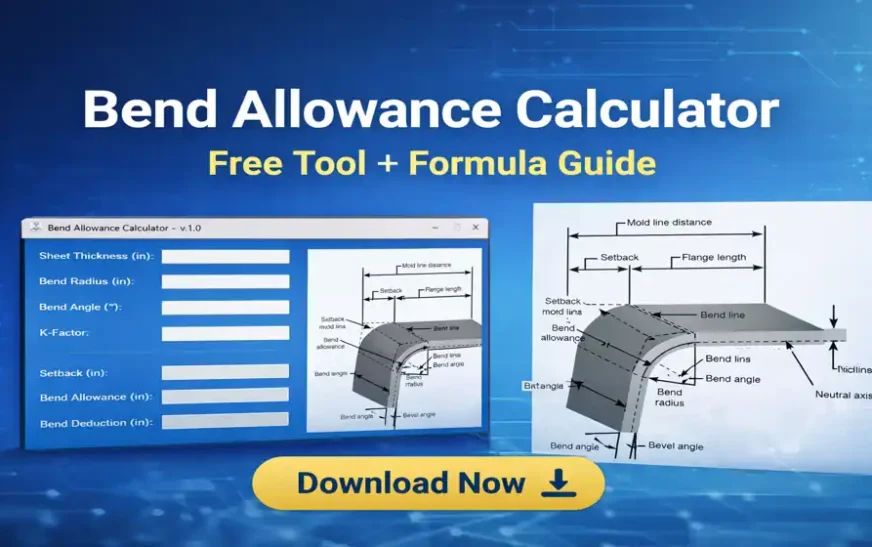
Bend Allowance Calculator: Free Tool + Formula Guide (2026)
Bend Allowance Calculator is an essential tool for sheet metal engineers who need accurate flat pattern calculations before manufacturing. Even a small mistake in bend calculations can result in incorrect part dimensions, assembly issues, and costly rework. In real-world engineering workflows, many designers still rely on manual formulas, Excel sheets,
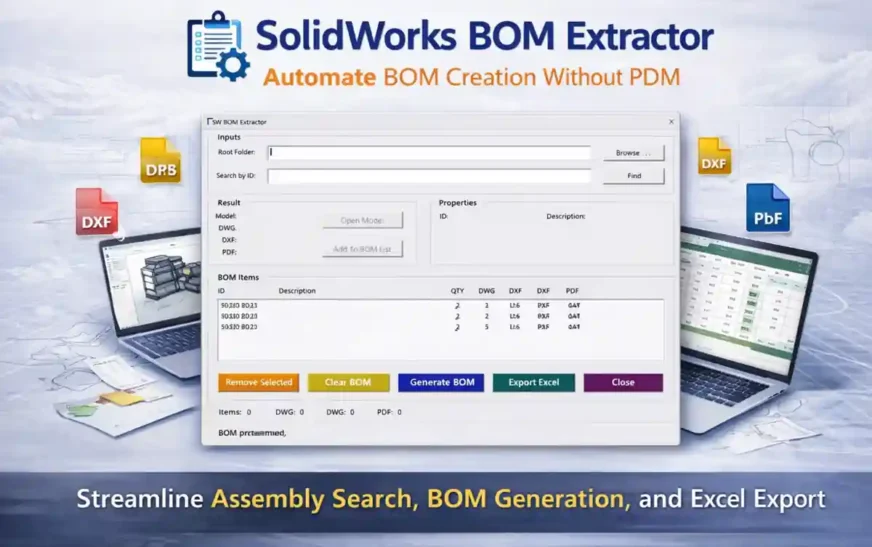
SolidWorks BOM Extractor Tool: Automate BOM Without PDM
The SolidWorks BOM Extractor Tool is a lightweight CAD automation utility designed to help engineers quickly extract assembly Bills of Materials (BOMs), verify manufacturing file availability, and export structured BOM reports without requiring a Product Data Management (PDM) system. In many engineering environments, generating BOM data from assemblies can still

Engineering Drawing Change Detection: 7 Powerful Techniques
Engineering Drawing Change Detection-AI Computer vision based research The Hidden Problem Every Engineering Team Faces Engineering Drawing Change Detection demonstrates how computer vision techniques can support engineers by automatically highlighting meaningful changes between drawing revisions. This concept is closely related to broader CAD automation techniques used to improve engineering productivity.

SolidWorks Automation: 15 Powerful Ways to Save Hours
SolidWorks Automation is the fastest way to turn repetitive CAD work into reliable, repeatable engineering workflows. If you’ve ever spent an hour fixing custom properties, chasing drawing errors, exporting PDFs one-by-one, or verifying release readiness across dozens of files—this guide is written for you. The goal here is simple: reduce
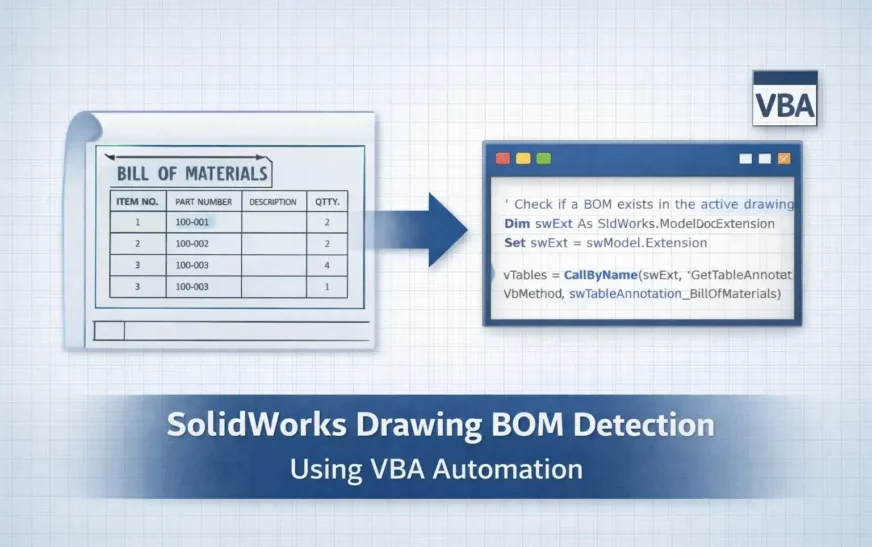
SolidWorks Drawing BOM Availability: 6 Powerful VBA Checks
How to Check SolidWorks Drawing BOM Availability Using VBA In production design workflows, verifying SolidWorks Drawing BOM Availability is one of the most important quality checks before releasing drawings for manufacturing. A drawing might appear complete—with views, dimensions, and annotations—yet still be missing a Bill of Materials (BOM). When this
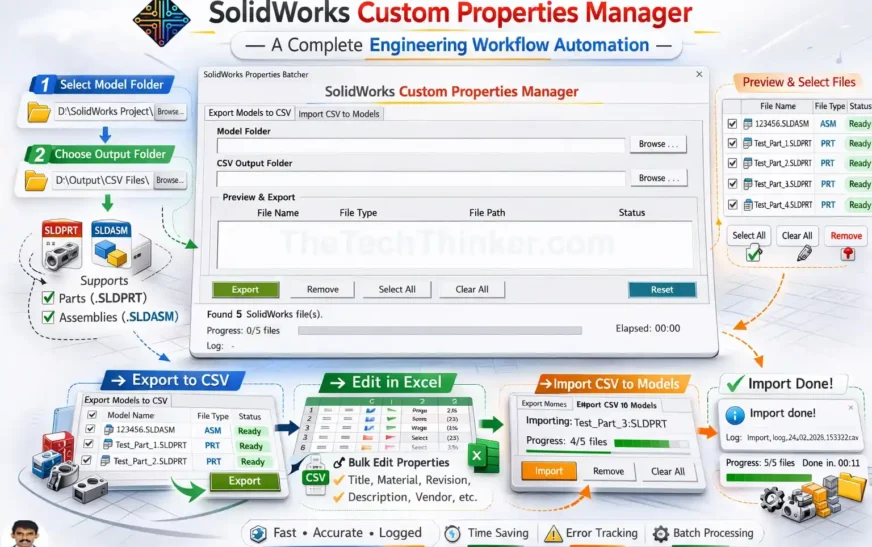
SolidWorks Custom Properties Manager Tool
Tool Overview SolidWorks Custom Properties Manager is a lightweight CAD automation tool designed to simplify the management of custom properties across multiple SolidWorks models. Developed by Ramu Gopal (The Tech Thinker), the tool allows engineers to export custom properties from PART and ASM files, edit them efficiently in Excel, and

Google I/O 2026: Dates, Registration, and How to Join
Google has officially announced the dates for Google I/O 2026 — the annual developer conference where Google unveils the latest in AI, Android, Search, Cloud, and developer tools. 📅 When is Google IO 2026? May 19–20, 2026This year’s event is fully online and open to everyone. What’s included? ✔ Livestreamed

What Is CAD Automation? 11 Powerful Insights for Engineers
CAD Automation is one of the most important skills for modern engineers. It helps you eliminate repetitive work, reduce human errors, speed up design cycles, and build scalable engineering systems. Whether you work in SolidWorks, AutoCAD, Creo, or NX, CAD Automation transforms the way you design, document, and deliver products.

SolidWorks API Functions: 20 Expert Commands You Must Know
SolidWorks API Functions: 20 Expert Commands You Must Know SolidWorks automation has become one of the most powerful productivity multipliers in modern CAD engineering. Whether you are building complex parametric models, processing thousands of drawings, or automating metadata across large assemblies, one thing remains constant: SolidWorks API Functions are the