Top 10 Low‑Code & No‑Code Platforms-Why Low‑Code & No‑Code?
In today’s fast‑paced digital landscape, businesses and citizen developers need the ability to turn ideas into working applications in days, not months. Low‑code and no‑code platforms democratize software creation, allowing teams to focus on solving real problems instead of wrestling with boilerplate code.
-
Rapid prototyping: Drag‑and‑drop interfaces let you build a functional MVP in a fraction of traditional development time.
-
Cost savings: By minimizing hand‑coding, organizations can reallocate expensive developer hours to strategic initiatives.
-
Broader participation: Business analysts, designers, and ‘citizen developers’ can own parts of the delivery process, improving alignment and reducing handoffs.
Whether you’re launching a customer‑facing portal, automating internal workflows, or testing a new business model, the right low‑code/no‑code tool can be the accelerator you need.
How We Chose & Evaluated
To surface the Top 10 Low‑Code & No‑Code Platforms, we scored each on four key dimensions:
- Ease of Use
Does the visual builder feel intuitive? Are ready‑made templates available?
- Integration & Extensibility
Can you connect to REST APIs, databases, and third‑party services? Is custom code injection supported?
- Scalability & Security
Does the platform handle growing user loads? Are enterprise‑grade compliance features (SSO, encryption, audit logs) included?
- Pricing Transparency
Is there a free tier or trial? Are pricing plans clearly documented for startups and enterprises?
Every candidate was tested end‑to‑end—from signup and UI construction to deployment and monitoring.
1. OutSystems
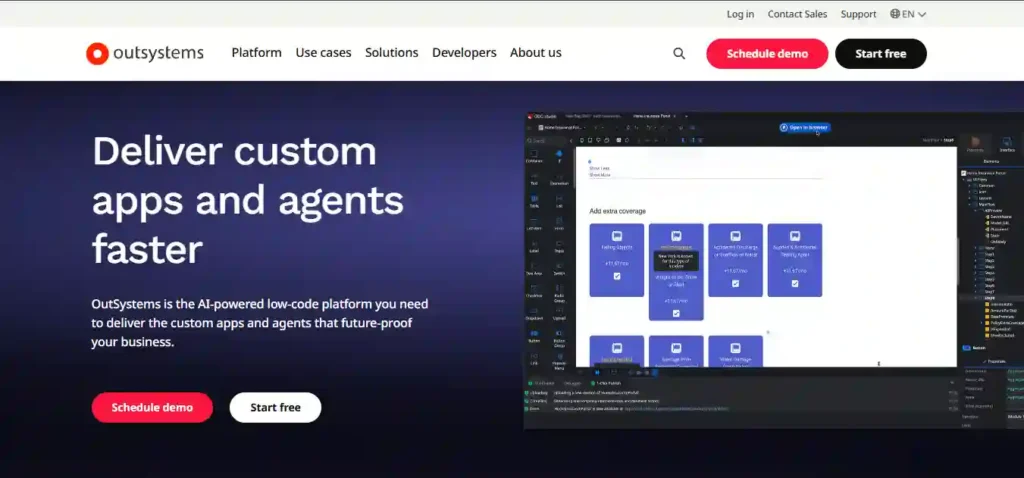
Key Features
-
Full‑stack visual development (UI, business logic, data models)
-
Real‑time performance dashboards
-
Built‑in DevOps pipeline
Pros & Cons
-
Pros:
-
Enterprise‑grade scalability
-
Rich marketplace of components
-
-
Cons:
-
Higher entry cost
-
Steeper learning curve for non‑technical users
-
Pricing & Plans
-
Free tier for personal use
-
Standard from approx. $4,000/month
-
Enterprise custom quotes
Best For
Large organizations or apps requiring complex integrations and high performance.
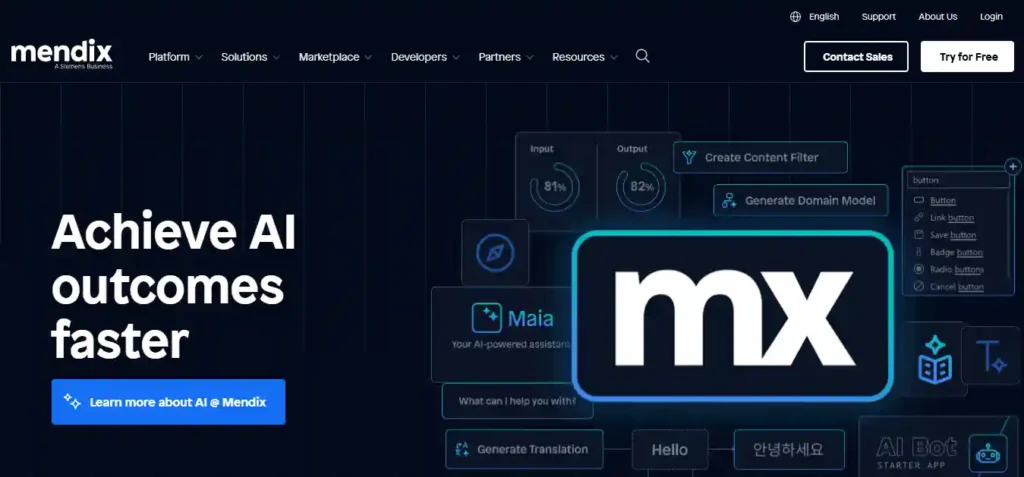
2. Mendix
Key Features
-
Collaborative development with built‑in versioning
-
Support for AI‑powered suggestions
-
Hybrid cloud or on‑premise deployment
Pros & Cons
-
Pros:
-
Great for team‑based projects
-
Extensive UX templates
-
-
Cons:
-
Pricing tiers can be confusing
-
Advanced features require paid plans
-
Pricing & Plans
-
Free Community Edition
-
Standard from ~$1,875/month
-
Enterprise with SLA and consultancy
Best For
Rapid collaboration between IT and business stakeholders.
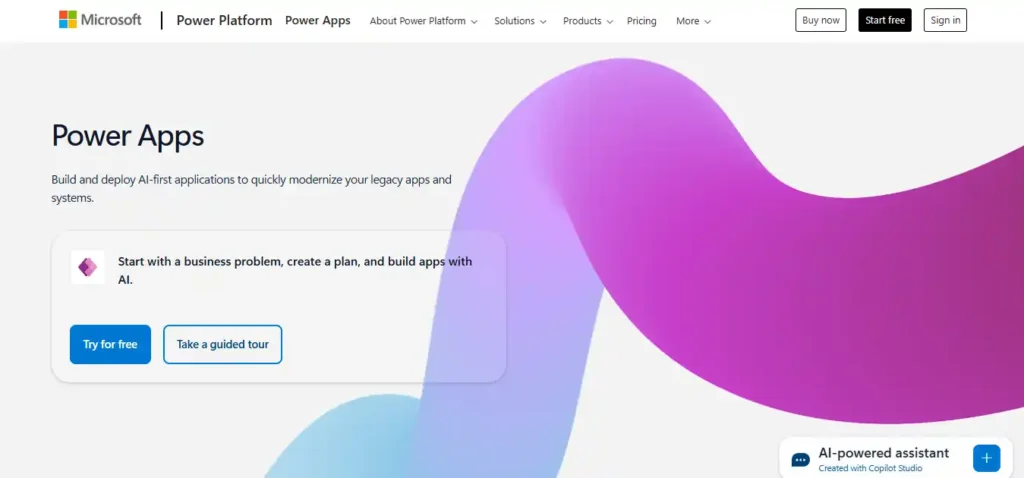
3. Microsoft Power Apps
Key Features
-
Seamless integration with Office 365 and Dynamics 365
-
Pre‑built connectors to 400+ services
-
Embedded AI builder
Pros & Cons
-
Pros:
-
Familiar Office UI patterns
-
Affordable per-user pricing
-
-
Cons:
-
Limited outside the Microsoft ecosystem
-
Custom code can be clunky
-
Pricing & Plans
-
Per app: $10/user/app/month
-
Per user: $40/user/month
Best For
Organizations already on Microsoft 365 looking to automate internal processes.
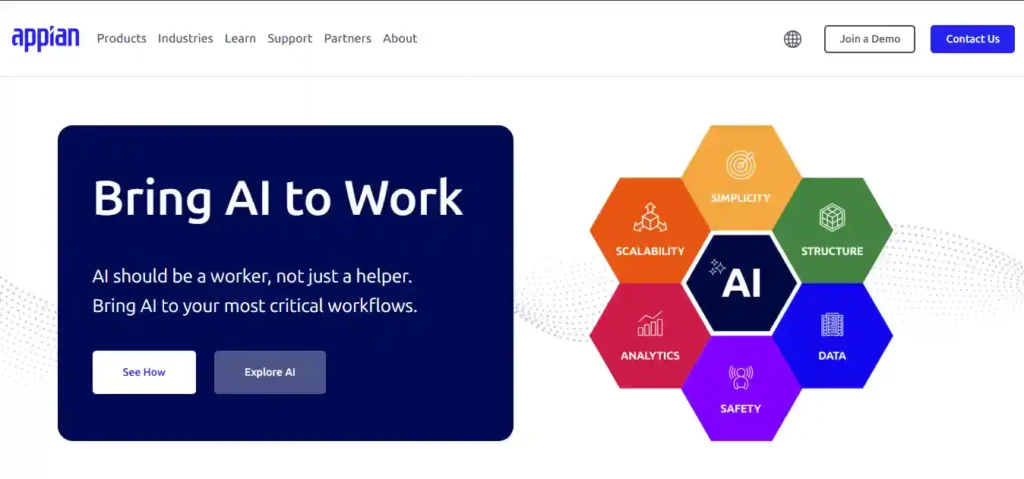
4. Appian
Key Features
-
Low‑code process automation
-
Powerful case management
-
AI‑driven decision engines
Pros & Cons
-
Pros:
-
Strong BPM features
-
Highly secure
-
-
Cons:
-
Mainly enterprise focus
-
Premium pricing model
-
Pricing & Plans
-
No free tier
-
Entry-level custom quotes (typically $90+/user/month)
Best For
Complex workflow automation and case management in regulated industries.
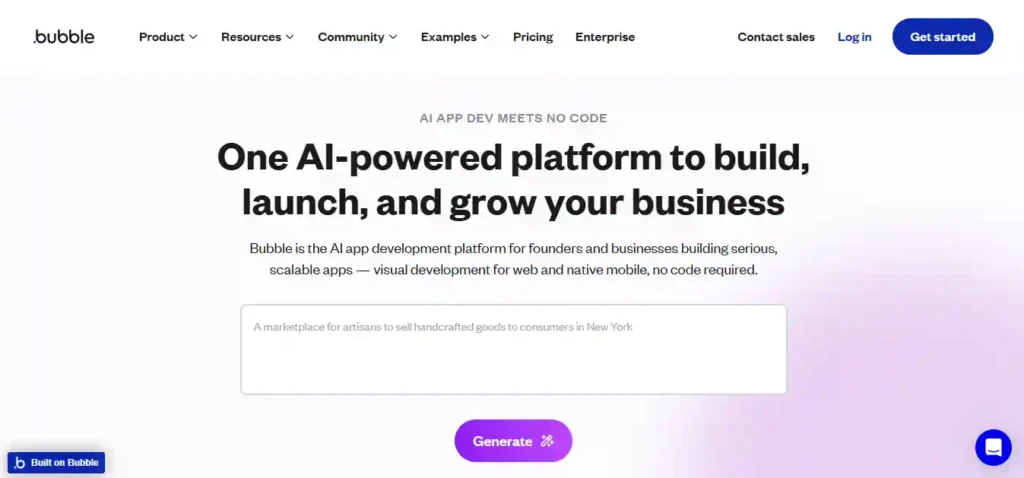
5. Bubble
Key Features
-
Truly code‑free visual editor
-
Built‑in database and backend
-
Plugin ecosystem
Pros & Cons
-
Pros:
-
Zero coding required
-
Generous free plan
-
-
Cons:
-
Performance can lag at scale
-
SEO support is basic
-
Pricing & Plans
-
Free tier with Bubble domain
-
Personal: $29/month
-
Professional: $129/month
Best For
Startups and side projects looking to validate concepts quickly.
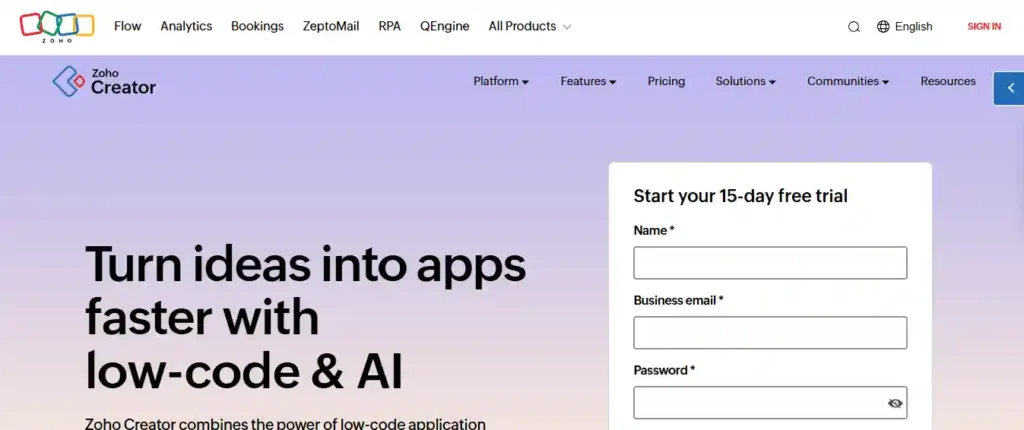
6. Zoho Creator
Key Features
-
Multi‑device responsive apps
-
Built‑in analytics and reporting
-
Deluge scripting for custom logic
Pros & Cons
-
Pros:
-
Integrated with Zoho suite
-
Affordable entry pricing
-
-
Cons:
-
UI feels dated
-
Limited community support
-
Pricing & Plans
-
Basic: $10/user/month
-
Premium: $20/user/month
Best For
SMBs already leveraging Zoho CRM, Projects, or Books.
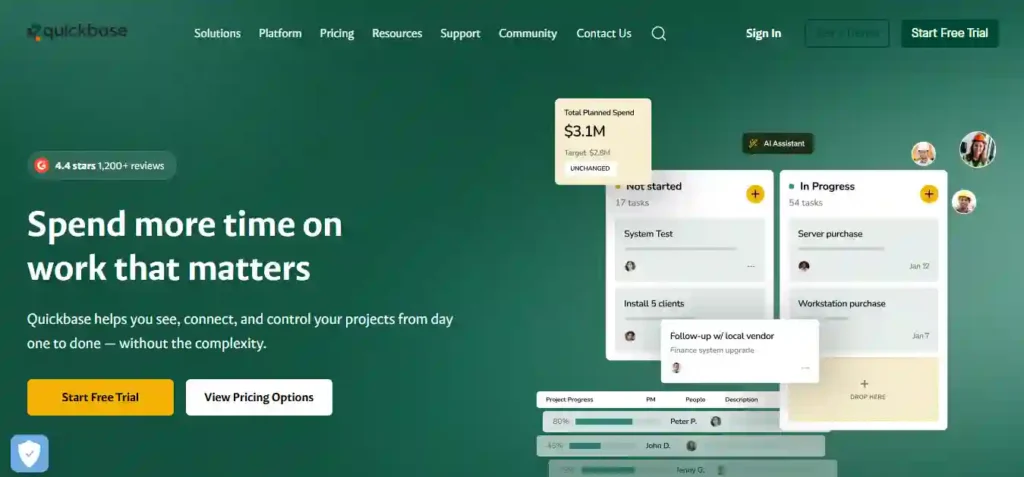
7. Quick Base
Key Features
-
App templates for finance, HR, IT
-
Robust role‑based access
-
Real‑time dashboards
Pros & Cons
-
Pros:
-
Easy governance controls
-
Strong API support
-
-
Cons:
-
No free tier
-
Can become expensive per app
-
Pricing & Plans
-
Premier: Custom pricing (starts around $600/month for 50 users)
Best For
Enterprises requiring strong data governance and audit trails.
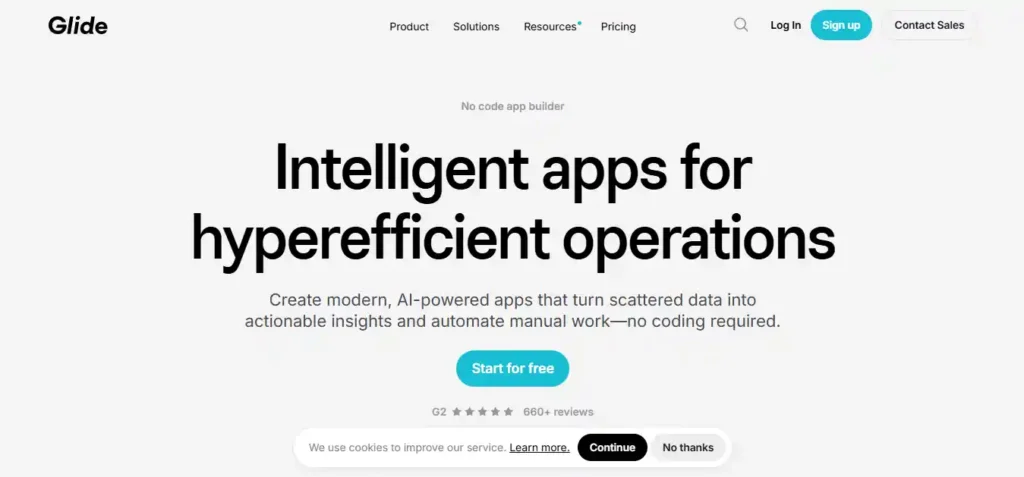
8. Glide
Key Features
-
Spreadsheet‑driven app builder
-
Instant PWA deployment
-
Template gallery
Pros & Cons
-
Pros:
-
Incredibly quick setup
-
Zero infrastructure management
-
-
Cons:
-
Limited to PWA/ mobile form factors
-
Paid plans required for custom domains
-
Pricing & Plans
-
Free with Glide domain
-
Pro: $32/editor/month
Best For
Simple internal tools and data‑entry apps tied to Google Sheets.
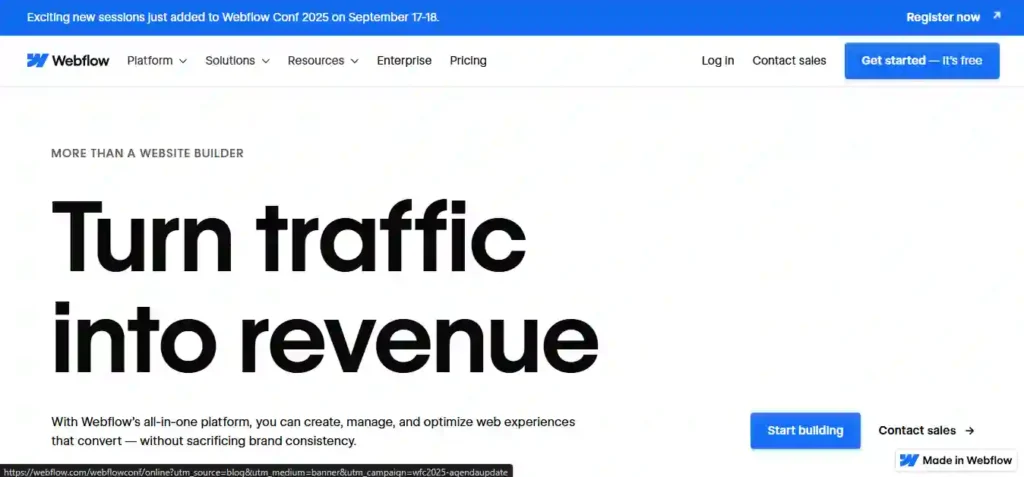
9. Webflow
Key Features
-
Visual HTML/CSS designer
-
CMS for dynamic content
-
Code export capability
Pros & Cons
-
Pros:
-
Pixel‑perfect design control
-
Host anywhere or export code
-
-
Cons:
-
Less suited for complex business logic
-
Learning curve on CSS concepts
-
Pricing & Plans
-
Site plans from $18/month
-
CMS plans from $23/month
Best For
Design‑centric websites where control over markup is critical.
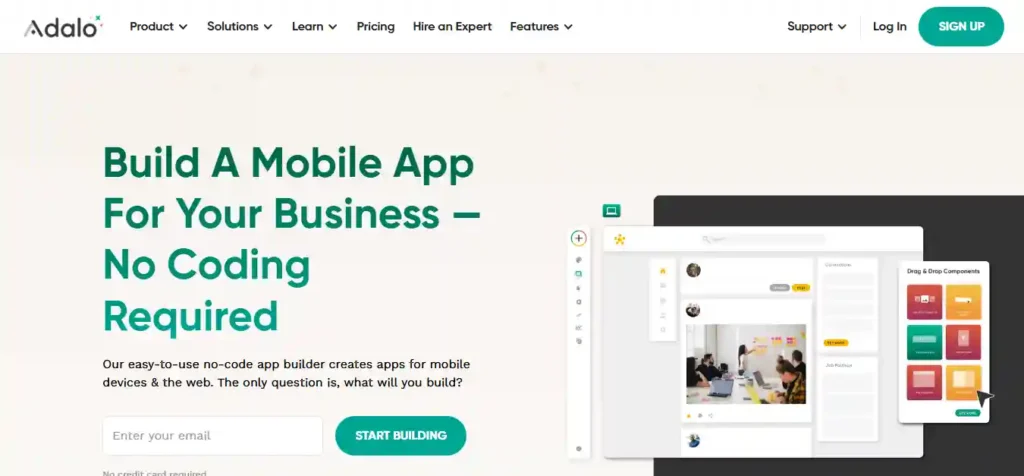
10. Adalo
Key Features
-
Native iOS & Android builds
-
Component marketplace
-
Custom actions & external collections
Pros & Cons
-
Pros:
-
True native app output
-
Easy to connect to external APIs
-
-
Cons:
-
Performance issues in data‑intensive apps
-
Limited custom styling
-
Pricing & Plans
-
Free starter plan
-
Pro: $50/editor/month
Best For
Citizen developers targeting the App Store or Google Play quickly.
Comparison Table-Top 10 Low‑Code & No‑Code Platforms
| Platform | Free Tier | Starting Price | Best For |
|---|---|---|---|
| OutSystems | ✔️ | ~$4,000/mo | Enterprise‑grade apps |
| Mendix | ✔️ | ~$1,875/mo | Collaborative, team‑based projects |
| Microsoft Power Apps | ❌ | $10/user/app/mo | Microsoft ecosystem automations |
| Appian | ❌ | Custom (enterprise) | BPM and case management |
| Bubble | ✔️ | $29/mo | MVPs and side projects |
| Zoho Creator | ❌ | $10/user/mo | SMBs in Zoho ecosystem |
| Quick Base | ❌ | ~$600/mo (50 users) | Data‑governed enterprise tools |
| Glide | ✔️ | $32/editor/mo | PWA/mobile forms |
| Webflow | ✔️ | $18/site/mo | Design‑driven websites |
| Adalo | ✔️ | $50/editor/mo | Native mobile app prototypes |
How to Pick the Right One
-
Need full-stack, enterprise scale? → OutSystems or Mendix.
-
Already on Microsoft 365? → Power Apps for seamless integration.
-
Purely no‑code MVP? → Bubble or Glide for instant demos.
-
Design control paramount? → Webflow for pixel‑perfect web front ends.
-
Mobile‑first native apps? → Adalo for App Store/Play publishing.
Match your primary goal—speed, scale, design, or ecosystem—with the platform’s core strength.
Conclusion & Next Steps
Low‑code and no‑code platforms are transforming how businesses and innovators bring ideas to life. By eliminating repetitive coding tasks and enabling broader collaboration, these tools accelerate time to market and free technical teams to focus on strategic, high‑value work.
Next Steps:
-
Trial the free tiers of two or three platforms that best align with your goals.
-
Build a simple prototype—even a single workflow—within 48 hours.
-
Gather stakeholder feedback and iterate rapidly.
Read Also
FAQ on Top 10 Low‑Code No‑Code Platforms
-
Q: What are the Top 10 Low‑Code & No‑Code Platforms for rapid app development?
A: The top 10 low‑code no‑code platforms include OutSystems, Mendix, Microsoft Power Apps, Appian, Bubble, Zoho Creator, Quick Base, Glide, Webflow, and Adalo—each chosen for its balance of ease‑of‑use, scalability, integrations, and pricing. -
Q: What key features distinguish the Top 10 Low‑Code & No‑Code Platforms?
A: Core differentiators are drag‑and‑drop UI builders, pre‑built connectors to databases and APIs, built‑in DevOps pipelines, AI‑powered suggestions, and the ability to inject custom code where needed. -
Q: How do the Top 10 Low‑Code & No‑Code Platforms compare in pricing tiers?
A: Pricing ranges from free tiers (Bubble, Glide) to per‑user plans (Power Apps at $10–$40/user/month) to enterprise‑level contracts (OutSystems starting ~$4,000/month), so you can scale from small MVPs to mission‑critical systems. -
Q: Which industries commonly adopt the Top 10 Low‑Code & No‑Code Platforms?
A: You’ll find them in finance (Quick Base), healthcare (Appian), manufacturing (OutSystems), SMBs (Zoho Creator), startups (Bubble), and digital agencies (Webflow)—anywhere rapid delivery and citizen‑developer participation matter. -
Q: How scalable are the Top 10 Low‑Code & No‑Code Platforms for enterprise use?
A: Platforms like OutSystems, Mendix, Appian, and Power Apps offer multi‑region deployments, high‑availability clustering, and enterprise SLAs—while lighter tools (Glide, Bubble) suit smaller user‑bases or internal apps. -
Q: What security measures do the Top 10 Low‑Code & No‑Code Platforms provide?
A: Most include role‑based access controls, SSO/OAuth integration, data encryption at rest and in transit, audit logging, and compliance certifications (SOC 2, ISO 27001) on enterprise plans. -
Q: How steep is the learning curve for the Top 10 Low‑Code & No‑Code Platforms?
A: No‑code tools like Bubble and Glide have virtually zero coding prerequisites, while low‑code platforms (OutSystems, Mendix) require basic programming concepts—though extensive templates and tutorials flatten the ramp. -
Q: What integration options are available in the Top 10 Low‑Code & No‑Code Platforms?
A: All support REST/SOAP APIs, webhooks, and database connectors (SQL/NoSQL). Enterprise editions often add pre‑built connectors for Salesforce, SAP, ServiceNow, and Azure/AWS services. -
Q: Are there free trials or freemium models among the Top 10 Low‑Code & No‑Code Platforms?
A: Yes—Bubble, Glide, Mendix Community, OutSystems Personal, and Zoho Creator all offer free or community editions. Power Apps and Appian provide time‑limited trials to test features. -
Q: How can small businesses choose among the Top 10 Low‑Code & No‑Code Platforms?
A: Start by defining your priority—design flexibility (Webflow), speed to prototype (Bubble/Glide), enterprise integrations (Power Apps), or process automation (Appian)—then trial two or three free tiers to see which aligns best with your workflow.