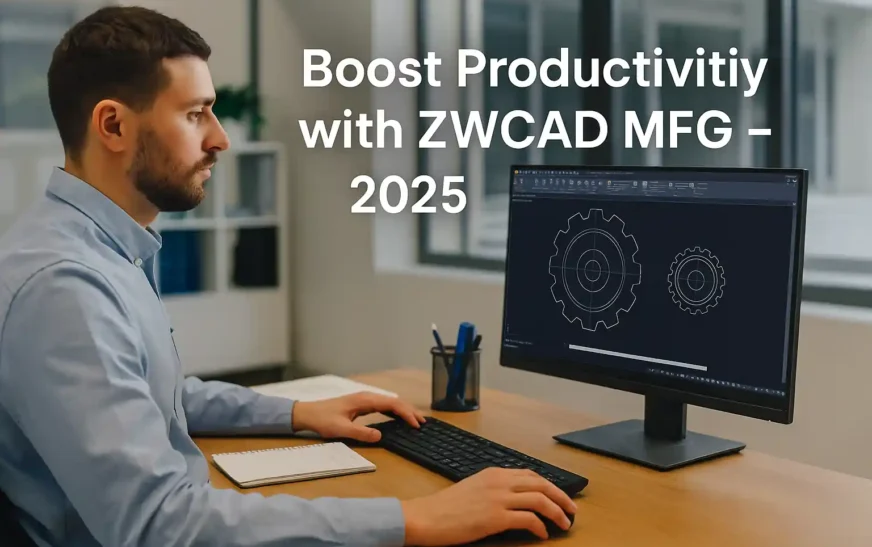
What is ZWCAD MFG?
ZWCAD MFG is a dedicated 2D drafting platform tailored for mechanical design. Built on the reliable ZWCAD engine, it brings in automation, standard components, and drawing compliance for professionals in the manufacturing sector.
🎯 If you’re using general-purpose CAD for mechanical work, this tool can help you speed up tasks by over 50%.
Why ZW CAD Tool Beats Basic Drafting Software
Compared to standard CAD applications, this solution offers:
-
✅ Ready-to-use mechanical parts
-
✅ Drawing templates with ISO/DIN/ANSI compliance
-
✅ Automated layer management
-
✅ One-click BOM generation
-
✅ Smart ballooning in assembly drawings
Key Features That Increase Design Speed
⚙️ Instant Drawing Setup
-
Add borders and title blocks in seconds
-
Editable block fields
-
Auto-layering aligned to standards
📦 Standard Mechanical Library
-
Access to bolts, nuts, washers, shafts
-
Drag-and-insert parts—no redrawing
📐 Annotation Tools
-
Auto-detect dimensions with “Power Dimension”
-
Fast section views and tolerance symbols
-
Edit annotations instantly
🧩 BOM + Assembly Tools
-
Auto-ballooning linked to BOM
-
Click-to-generate parts list
-
Reduced manual effort and error
Real-World Benchmark: Hand Pump Design
A full drafting task using this software was benchmarked against basic ZWCAD. The time savings were significant:
| Task | With This Tool | Basic ZWCAD | Time Saved |
|---|---|---|---|
| Frame Setup | 0:34 min | 1:44 min | +67% |
| Modify Design | 2:22 min | 3:18 min | +28% |
| Create Part Drawing | 3:25 min | 5:44 min | +40% |
| Assembly Drawing | 1:50 min | 5:58 min | +69% |
🕒 Total Time Saved: 8 minutes
📈 Efficiency Boost: 51%
Benefits of Using ZW CAD in 2025
-
✅ Create ISO-compliant drawings quickly
-
✅ Reduce repetitive design work
-
✅ Access pre-built part libraries
-
✅ Improve accuracy with BOM automation
-
✅ Seamless DWG/DXF compatibility
-
✅ Affordable licensing (perpetual/subscription)
-
✅ Supported in India by Sravani Infotech
🎥 Video: ZWCAD MFG Demo (YouTube)
Final Thoughts
Mechanical engineers don’t need to settle for slow, manual drafting anymore. With smart tools, automation, and ISO-ready outputs, this CAD platform delivers real productivity—without bloated pricing.
If you’re ready to simplify your workflow, try the solution trusted by modern manufacturing teams.
📘 Top 15 FAQs for ZWCAD MFG
1. What is ZWCAD MFG?
ZWCAD MFG is an advanced 2D CAD software built on the ZWCAD platform, tailored for mechanical design. It includes tools for standard parts, drawing automation, BOM generation, and ISO-compliant drafting.
2. How is ZWCAD MFG different from ZWCAD?
ZWCAD MFG includes specialized mechanical design tools like shaft generators, symbol libraries, and automated BOM tools, whereas basic ZWCAD is a general-purpose 2D CAD tool.
3. Who should use ZWCAD MFG?
Mechanical engineers, product designers, drafting professionals, and manufacturing teams who need fast, standards-compliant 2D mechanical drawings will benefit most.
4. Is ZWCAD MFG compatible with AutoCAD?
Yes. ZWCAD MFG supports DWG and DXF formats, making it fully compatible with AutoCAD drawings and workflows.
5. Does ZWCAD MFG support ISO/DIN/ANSI standards?
Yes, ZWCAD MFG supports international standards like ISO, DIN, and ANSI for title blocks, annotations, tolerances, and dimensions.
6. Can I generate BOM (Bill of Materials) in ZWCAD MFG?
Absolutely. ZWCAD MFG allows automatic BOM creation and links parts with balloons, making it ideal for assembly drawings.
7. What operating systems support ZWCAD MFG?
ZWCAD MFG runs on Windows 7, 8, 10, and 11 (64-bit). A Linux version is not currently available.
8. Does ZWCAD MFG support perpetual licensing?
Yes. ZWCAD MFG offers both perpetual and subscription-based licensing, depending on user preference.
9. How easy is it to switch from AutoCAD to ZWCAD MFG?
Very easy. The interface, commands, and workflow are similar to AutoCAD, reducing the learning curve for new users.
10. Can I customize the part library in ZWCAD MFG?
Yes, users can add, modify, or remove items in the standard parts library to match their internal design standards.
11. Is training required to use ZWCAD MFG?
Not necessarily. Most users familiar with 2D CAD can start using ZWCAD MFG with minimal training. Video tutorials and documentation are available.
12. Is ZWCAD MFG suitable for educational institutions?
Yes. It’s cost-effective, easy to learn, and great for mechanical engineering students and institutions looking for alternatives to expensive CAD platforms.
13. Can ZWCAD MFG be used for 3D modeling?
No, ZWCAD MFG is focused on 2D mechanical design. For 3D modeling, consider using ZW3D.
14. What kind of support is available for ZWCAD MFG in India?
In India, support is provided by Sravani Infotech, the official reseller. They offer training, licensing, and technical assistance.
15. Where can I download ZWCAD MFG for free trial?
You can download a 30-day free trial from the official ZWSOFT website.
Get Your Free Trial
🎁 Experience ZWCAD MFG Free for 30 Days:
👉 Official Trial Download
📞 Contact: Sravani Infotech – Authorized ZWCAD Partner
📧 [email protected]
🌐 www.sravaniinfotech.com
📍 Hyderabad